

User Community Portal
Question

Player styles not coming through or showing in Gallery

  • June 23, 2025
  • 1 reply
  • 17 views

Forum|alt.badge.img

I am having issues with Player styles in gallery mode.

I set my player button to central and red with a logo overlay and campaign lead form enabled.

When I assign this player to my landing page gallery experience, however, the play button is grey and to the left, and the logo overlay is not showing.

I have saved and published the player, left it for over 10 minutes, checked all settings and can’t see a reason why the player styles aren’t showing and it’s driving me crazy at the moment.  TIA
1 reply

  • Employee
  • October 16, 2025

Player styling in an In-Page (Gallery) experience only takes effect during the “PLAYING” state. The BEFORE PLAY and AFTER PLAY states use default styles, which is why you might not see your customizations initially.

To troubleshoot, open your browser’s developer tools and inspect the video player. Check:

  • Which CSS rules are applied to .vjs-big-play-button or .video-js

  • Whether your custom styles are being overridden or not applied at all

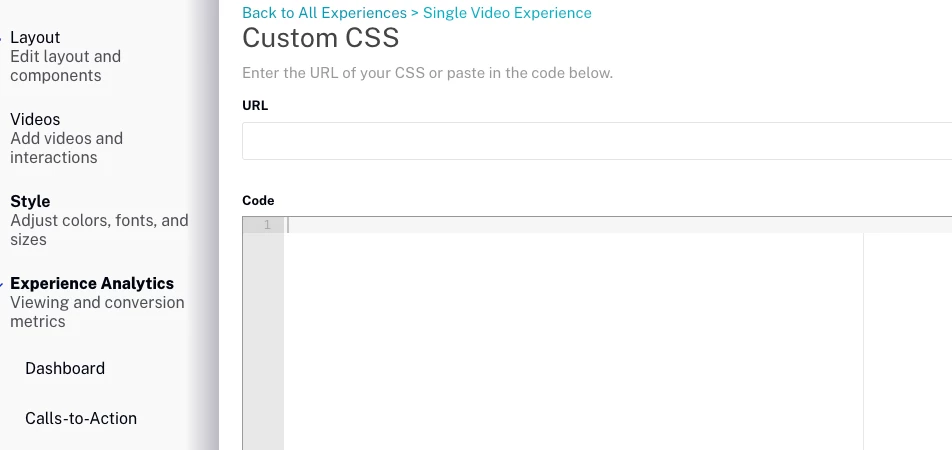
If your styles are being ignored, I recommend adding them directly to the Custom CSS section within your Gallery settings. That ensures they apply consistently across all states.